Task updated
Task
Flooring — Prabhat Tower B, L3
AI & workflow automation
Say an update from the site, typed or spoken, and it lands on the records it touches. Each change comes back as its own card, and nothing is saved until you confirm it. Nothing is decided for you.
Task updated
Task
Flooring — Prabhat Tower B, L3
Activity updated
Activity
Painting — Tower B
From the site, the store or the office — on the phone or at the desk. Tathyank splits it into the records it means.
Each record comes back as its own card: what changed, from what, to what, and who it is assigned to.
Nothing is saved until you confirm it, the assistant cannot delete a record, and nothing reaches a client until a person with the right role approves it.
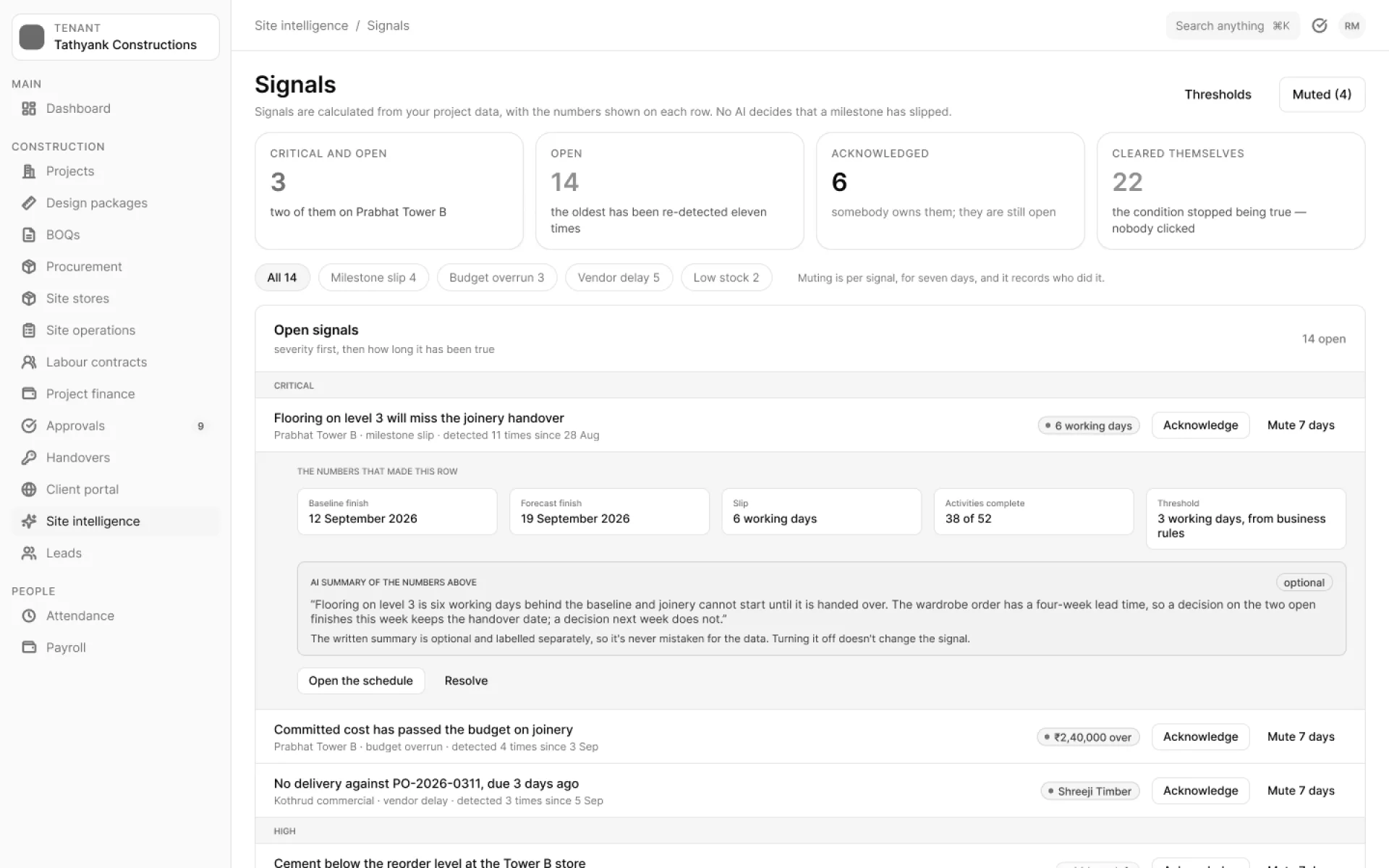
Signals · SI6
Signals are calculated from your own numbers. Predictions sit a layer above them, and each one shows its confidence. Neither changes a date, budget or plan on its own — a person decides.
What the AI does
ASK
Questions on attendance, leave and celebrations, answered with the asker’s own permissions.
SETUP
An agent that sets up staff records, asks you to confirm every change and cannot delete.
SI1
Speak an update from site; it lands on the right activity.
SI3
Quantities from drawings into BOQ lines, reviewed by a person.
SI5
Ask questions of your own project’s documents.
SI6
Delays, overruns and low stock, calculated from your own numbers.
SI6
Each with its confidence, for a person to accept or dismiss.
AUTO
An approval matrix with amount bands, levels, delegation and SLA escalation.
AI is off by default in every workspace. Once it is on, it is there for every user.
Every tool the assistant uses checks the asker’s own permissions, so it never shows anyone a record they could not open themselves.
Payroll has no AI, and encrypted free text is never sent to the model.
Every AI feature on this page ships with the launch. AI is off by default per workspace, runs with the asker’s own permissions, and changes no record without your approval.